
Unlock the TNT SIM card PUK Code

If your SIM is locked, you can unlock it by using the PUK code. You can get the TNT PUK code on the SIM card, online via the GigaLife app, and by calling the hotline. Enter the code to unlock your SIM card. Your SIM will be permanently locked if you enter the wrong code too many times.
How To Get a PUK Code?
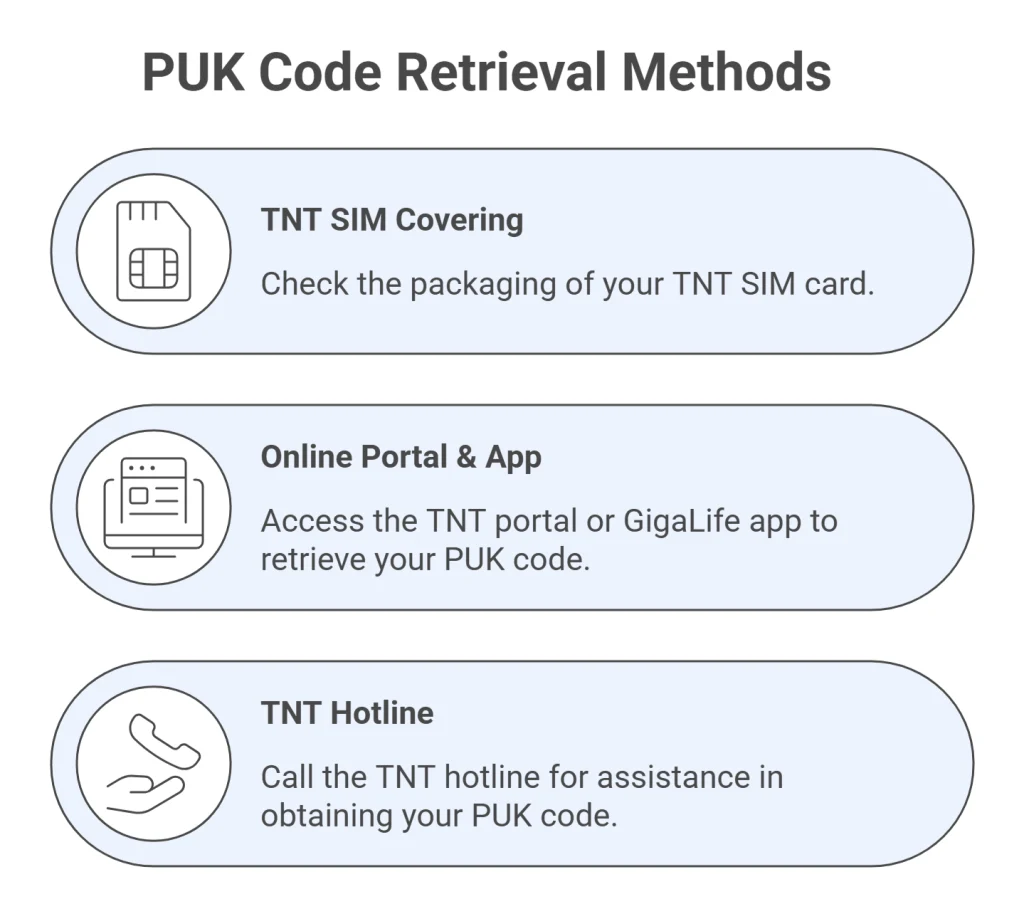
You can get the PUK code for TNT by following these methods:
- TNT SIM covering
- Online via the portal and the GigaLife app
- Calling the TNT hotline
Below is a detailed tutorial about each method.
Check SIM Covering
You are lucky if your SIM cover is available. Pick up your SIM card and look for 8 digit code. In most cases, the code is available near the phone number or bar code.
Get PUK Code Online
Like SIM registration TNT, you can get PUK code online via portal. Here is how to get code online via the GigaLife app or TNT SIM portal:
- First of all, visit the TNT SIM Cam Saya portal
- Now lock for “Puk code” or simply search it.
- Enter your mobile number and you will get an eight-digit code.
- Enter the code and your SIM will be unlocked.
Similarly, you can use the GigaLige app and get the code online.
Get Code Via Hotline
Here is how to get the code through the TNT helpline:
- Dial *888 from your phone and press call.
- Follow the voice menu to reach a customer service agent (select English > TNT Prepaid > Other Concerns).
- Inform the agent that you lost your PIN and need your PUK code.
- Provide the 16-digit serial number printed on your TNT SIM card for verification.
- The agent will give you the PUK code to unlock your SIM and help you reset your PIN.
How To Unlock the SIM Using the PUK Code
Once you get the PUK code, it’s very simple to unlock your SIM card. Here is the step-by-step guide about it:
- Enter your TNT SIM card in your mobile phone.
- Enter the PUK code provided by your network operator carefully.
- Once you enter the PUK code, you will be asked to create a new SIM PIN.
- Enter a new PIN code and confirm it by entering it again.
- Once confirmed, your SIM card will be unlocked, and you can use your phone normally again
Once the SIM is unlocked, you will get all your data and balance to use. You can check TNT balance for confirmation.

FAQs
Conclusion
You can unlock your TNT SIM card easily with the PUK code. You can find the TNT PUK code on your SIM card cover, through the GigaLife app, online TNT portal, or by calling the TNT hotline. Enter the PUK code carefully to reset your PIN and unlock the SIM. Avoid entering the wrong PUK too often, as it can permanently block your SIM. Use these simple steps to regain access quickly and securely.


